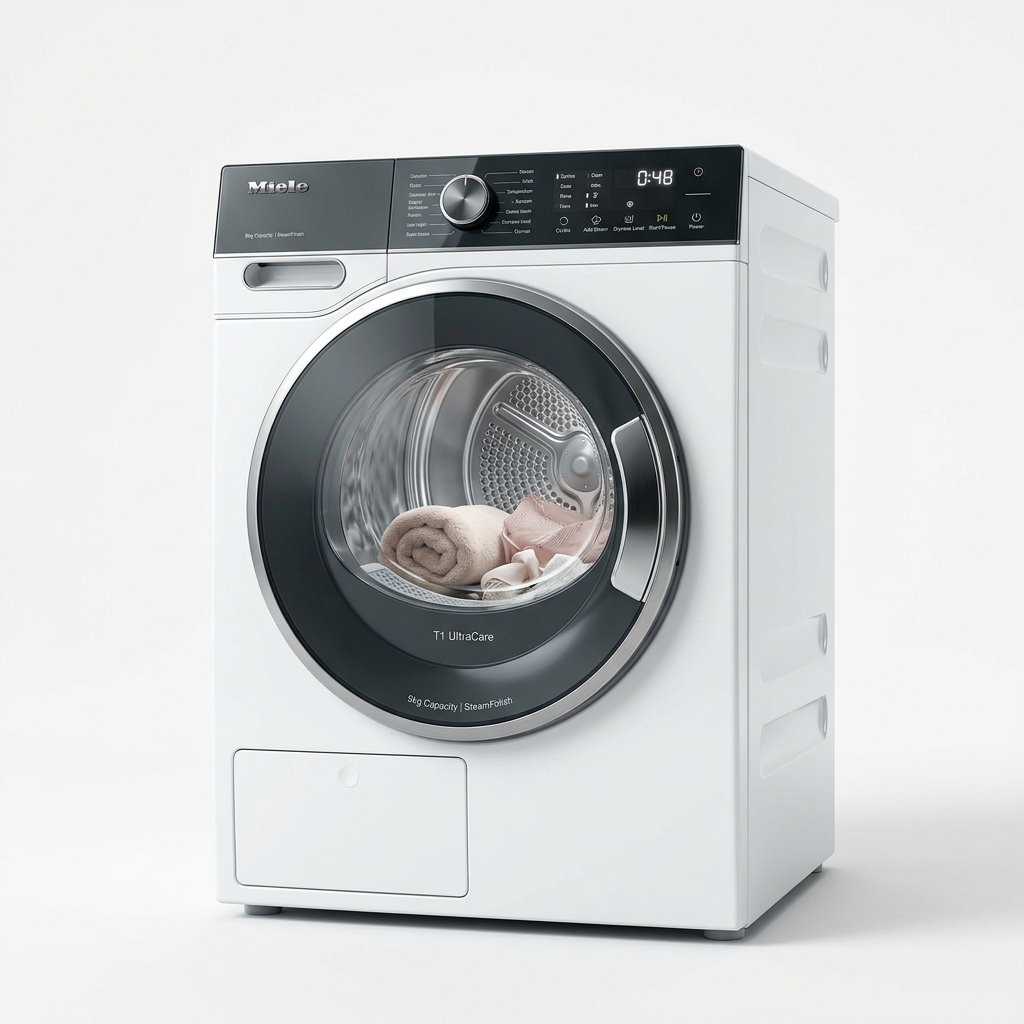
Modern Samsung dryers feature advanced self-diagnostic systems that monitor operational parameters. When a sensor reports data outside acceptable thresholds, the control board halts operations and flashes an alphanumeric error code on the control display panel.
Dryer Error Codes Explained
Here is a reference table outlining the most frequent Samsung dryer error codes, their underlying meanings, and likely faulty parts:
| Error Code | Meaning | Likely Cause |
|---|---|---|
| HE / HC | Heating Error | Failed heating element or clogged exhaust vent |
| tS / tO | Temperature Sensor Error | Faulty thermistor or disconnected wiring harness |
| dE / dF | Door Switch Error | Door latch not fully closed or loose wire connector |
| bE | Button Sticky Error | Control panel button compressed continuously |
Heating Errors (HE & HC)
These codes indicate that the dryer cabinet temperature is rising too quickly or not rising at all. It is usually triggered by a broken coil in the heating element structure or a thermal fuse that tripped due to excessive backpressure from lint blockages.
Step-by-Step DIY Solutions
Clearing the bE Code
If the button sticky (bE) code pops up, run your finger firmly across all buttons on the control panel to release them. Clean the panel front with a microfiber cloth to remove build-ups of dirt or lint.
Replacing a Blown Thermal Fuse
If your dryer runs but doesn't heat, the thermal fuse is likely blown.
